How do I use custom triggers in Position Tracking?
Custom triggers let you set up notifications that alert you when your campaign experiences notable changes in organic positions (not paid positions) in Position Tracking. These triggers can be set up from the settings within your campaign.
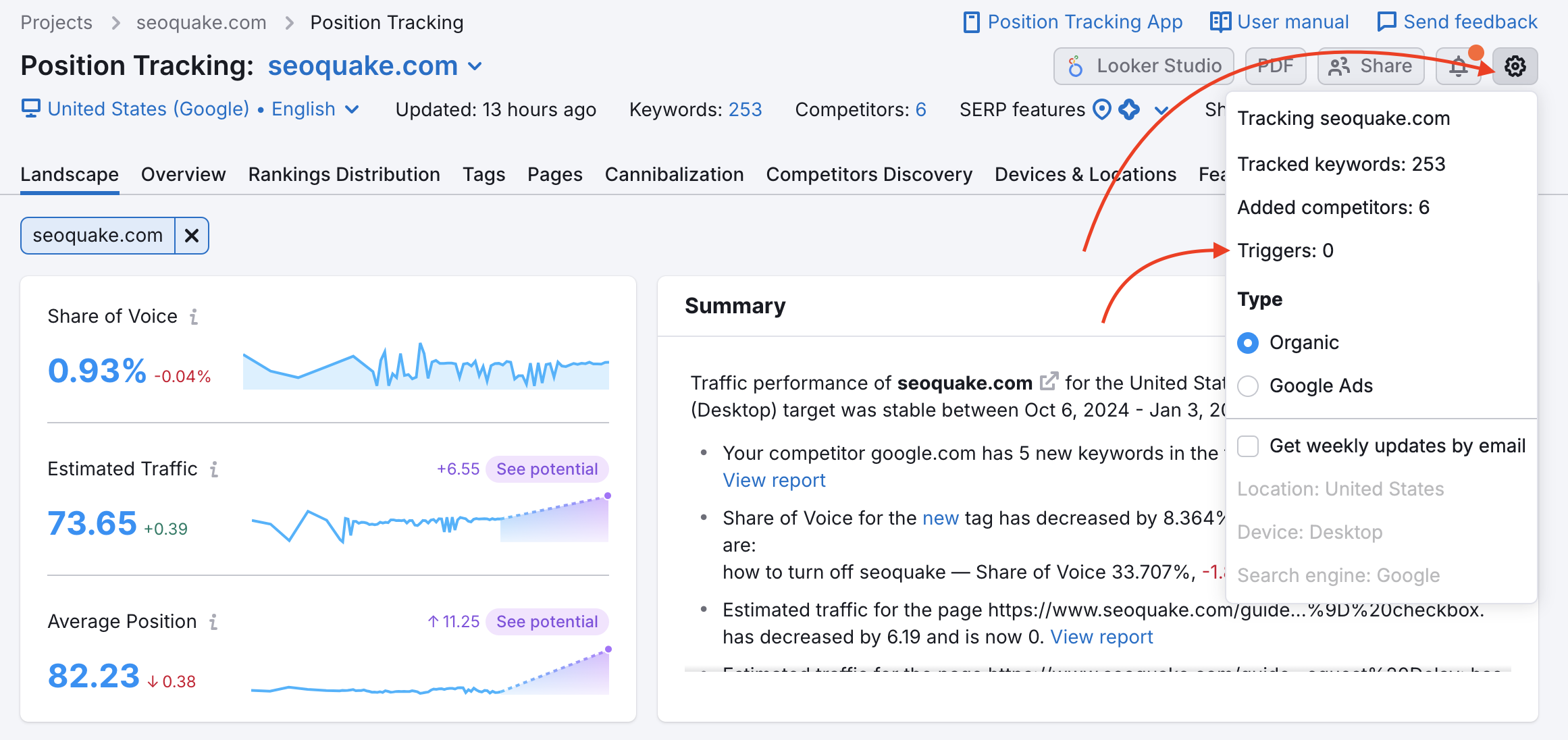
Open the gear and select Triggers. Choose the parameters of your alert and hit “Add.” You can add up to 10 triggers to a campaign.

When the trigger is tripped, you will be sent an email notifying you of the change.
This makes it easier to follow a campaign's progress because you won’t have to log in to Semrush and check your project every day to see if there were any important changes.
Manage or stop trigger notifications
If you no longer want to receive notifications about changes in your Position Tracking campaign, you can manage your triggers directly from the Triggers menu.
To do this:
- Go to your campaign settings and open Triggers
- Locate the trigger you want to modify
- In the Action column, choose to edit or delete the trigger

Not receiving trigger notifications?
If you’re not receiving Position Tracking trigger notifications, make sure that these notifications are enabled in your account settings.
To check this:
- Go to Profile settings → Notifications
- Find Position Tracking in the list
- Ensure notifications are turned on
Notification limitations
Please note the following limitations for Position Tracking trigger notifications:
- Notifications are sent only to the email address associated with your Semrush account—changing the recipient email, or adding additional recipient emails, is not supported.
- Position Tracking does not currently support integrations with Slack, Microsoft Teams, or other messaging platforms for trigger notifications.
 Back to Semrush Toolkits category